Your moments.
Your AI video studio.
Turn your clips into a narrated, captioned video. You review. You decide.
Create your first videoLocal stories. Different voices.
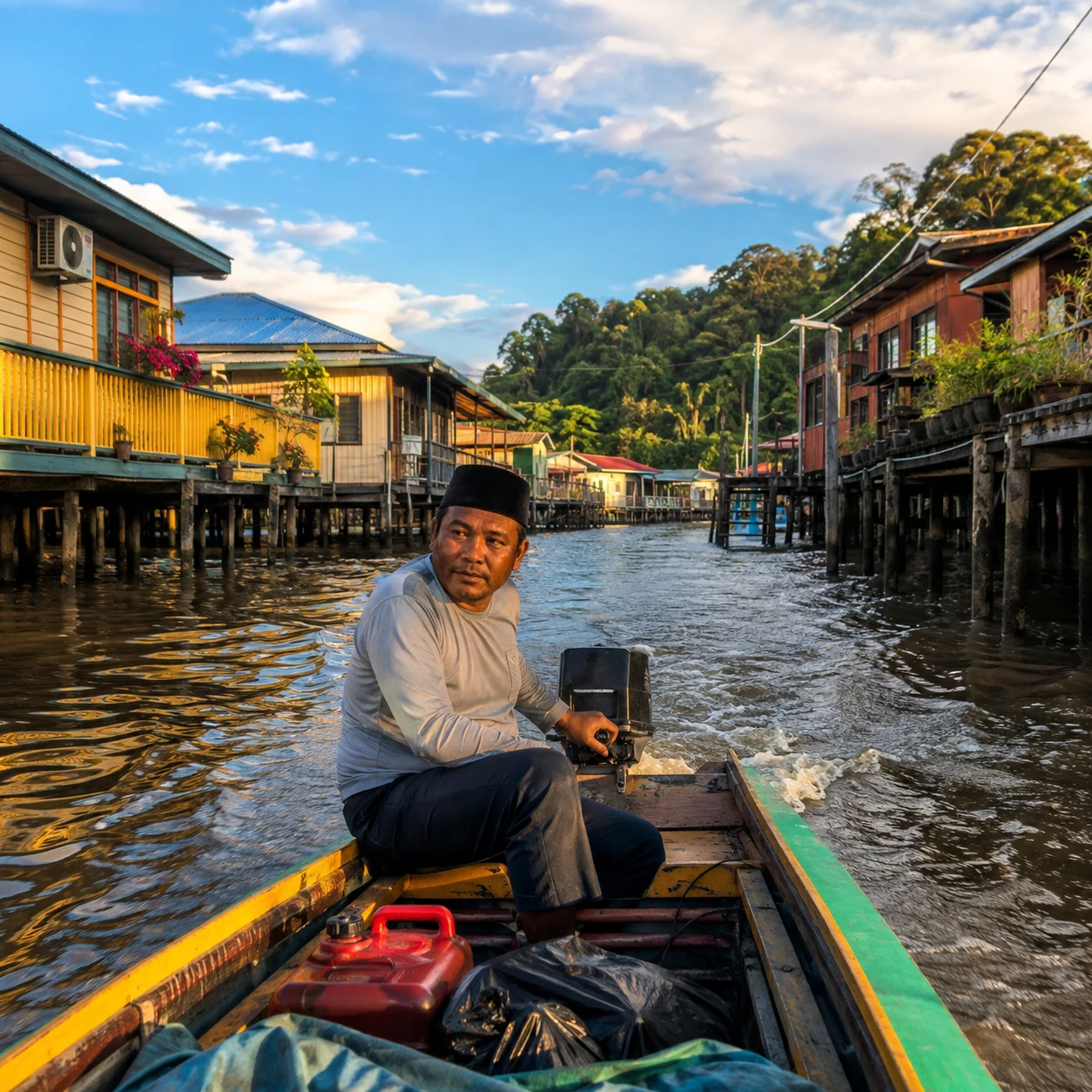
dari atas air.Travel reel
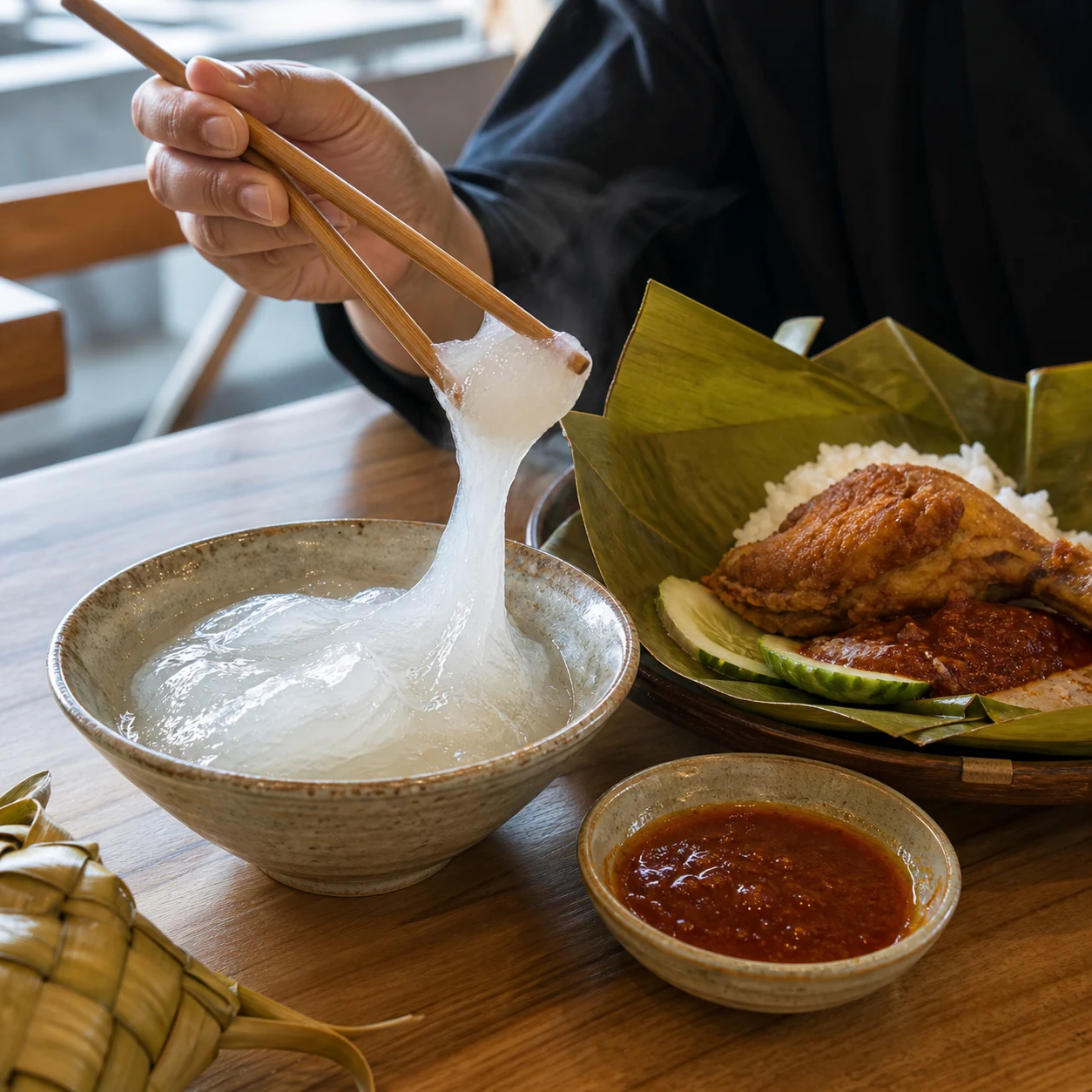
A taste of Brunei.Food reel
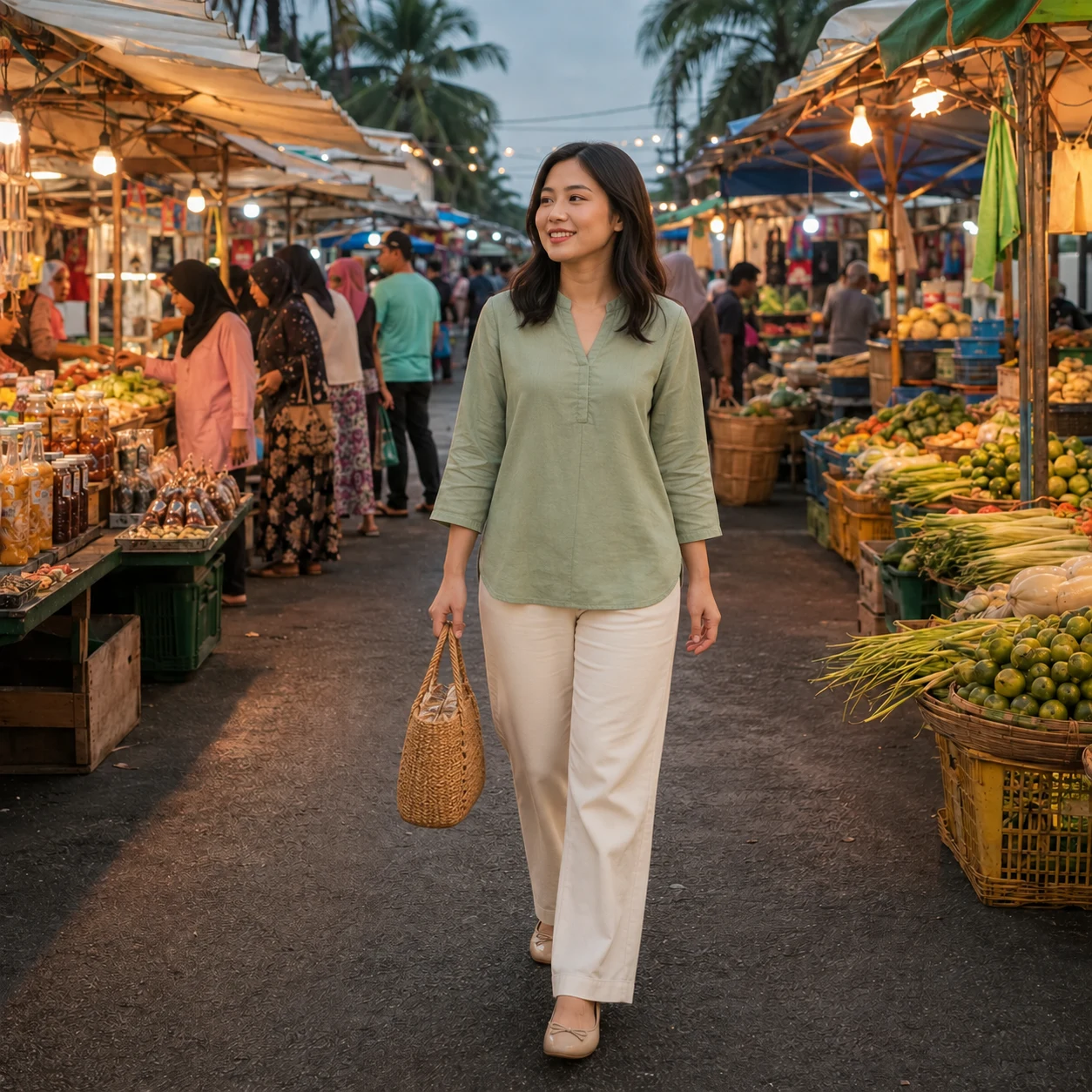
自在做自己。Lifestyle reel

ganda ng Brunei.City reel
Four caption styles, one place to start. Animated photo previews, not finished videos.
How it works
From your phone to a video worth sharing.
Add your clips
Upload photos or videos from your phone.
Shape the story
Describe your idea. Edit the script AI drafts for you.
Choose the voice
Pick a language and speaker. Listen before you continue.
Review & download
Check your script and captions. Render your video, then download.
No editing experience needed. You stay in control.
Less editing.
More of you.
A guided path, without a complicated timeline. Review the words, hear the voice, then make the video.
Do I need editing experience?
No. Add your footage, describe your idea, and follow the steps. You can edit the script and preview narration before rendering.
Can I use my own voice?
Yes, with a recording you own and consent to clone. Keep the untouched original, compare available models, and approve each language after listening. Cloned speech is an approximation, not an exact copy.
Which languages can I use?
Available languages depend on the voice and provider. Check the language selector in your workspace. A fluent speaker should check pronunciation and accent. Cantonese needs a supported provider and is never substituted with Mandarin.
What do I receive?
A narrated video with captions, plus a version without captions. Choose vertical for Reels and TikTok, or landscape for YouTube.
How do I get access?
Create an account to begin. Your video balance is shown in your workspace. Plans and balances are managed by the studio owner during beta.